
How to Shoot Better Video on Your iPhone
You don’t need a cinema camera to shoot great video.
But you do need to understand how your iPhone works, and how to work with it.
Most people jump straight to specs, settings, or buying more gear. In reality, better video comes from getting a few fundamentals right: lenses, frame rate, angles, lighting, and stability.
This guide breaks down the basics that actually make a difference when filming content on your iPhone, whether you’re shooting TikToks, Reels, YouTube videos, or UGC.

Choose the Right Lens (Don’t Pinch Zoom)
One of the biggest mistakes creators make is pinch-zooming.
Pinch zoom = digital zoom.
Digital zoom = lower quality.
Instead, always switch lenses intentionally using the camera controls.
How to think about iPhone lenses
-
Wide (0.5×)
Best for full-body shots, group content, or showing more of the environment. Can distort faces up close, so give yourself space. -
Regular (1×)
Your safest, most natural-looking option. Great for talking-head videos and everyday content. -
Telephoto (2×, 3×, 5×, or more depending on model)
Best for close-ups, compression, and cinematic shots, but much more sensitive to shake.
If you want tighter framing, switching to a telephoto lens will always look better than zooming digitally. Just remember: the more you zoom, the more stability matters.
Resolution & Frame Rate (Keep It Simple)
You don’t need to overthink this.
A simple rule of thumb:
-
4K
Use it if you want the best quality footage and/or need flexibility to crop, re-frame, or reuse footage across platforms. -
1080p
Fine if you want smaller file sizes and faster editing. -
24/25fps
Best for cinematic style shots, Mimics frame rate of movies -
30fps
Best for most content. Natural motion, easy to edit, widely supported. -
60fps
Only use it if you plan to slow the footage down later.
Higher frame rates aren’t “more cinematic” by default. They’re just different. For most creators, 4K at 30fps is the sweet spot.
Work the Angles (This Is Where Most People Go Wrong)
Angles matter more than camera specs.
Small changes in height or tilt can completely change how a shot feels.
A few rules that help instantly:
- Turn on grid lines in your camera settings
- Keep horizons straight
- Avoid shooting up from below unless it’s intentional
- Eye-level shots almost always look best for talking-head content
This is also where hands-free filming changes everything. When your phone is stable, you can focus on framing, posture, and performance instead of holding the camera.
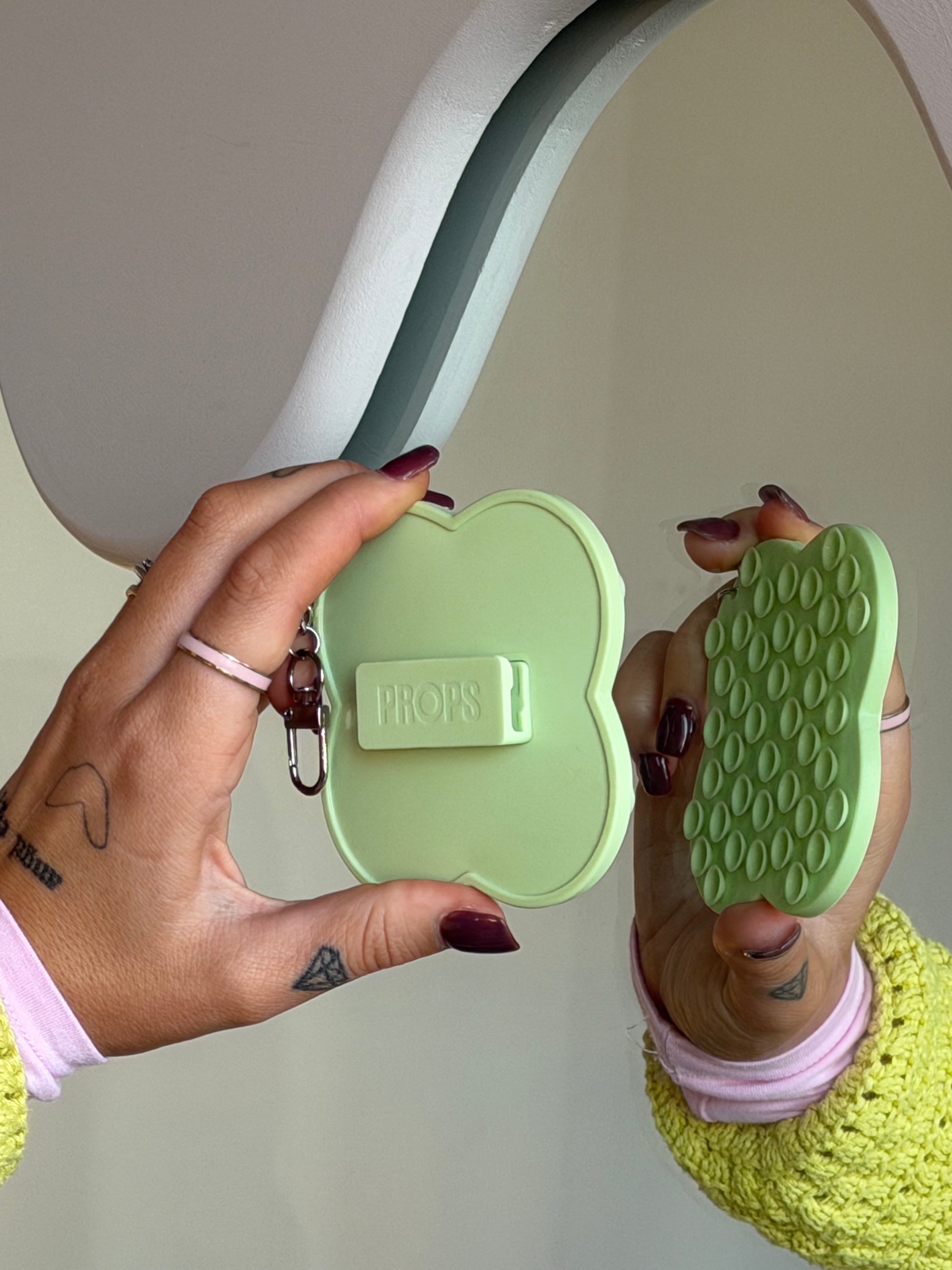
A simple stand or phone case with a built-in stand lets you experiment with angles quickly and consistently, especially if you’re filming solo.
Lighting Matters More Than Your Camera
Good light can make an average phone look incredible.
Bad light can make the best phone struggle.
Golden Hour (Best Case)
Early morning and late afternoon give you:
- Soft, directional light
- Long shadows
More flattering skin tones
If you can choose when to shoot, this is the easiest win.
Midday (Hard Mode)
Midday light is:
-
Harsh
-
Top-down
-
Creates hard, defined shadows on faces
The traditional advice is to avoid it, look for shade or position yourself so the sun is behind the camera, not overhead.
That said, harsh light is having a bit of a resurgence. A lot of fashion and editorial brands are intentionally embracing strong shadows and high contrast. If you’re shooting at midday, don’t write it off completely; experiment with it and be intentional about the look you’re going for.
Night & Low Light
At night, your phone slows the shutter to let in more light. That’s why footage gets blurry so easily.
A few fixes:
-
Add a small light source
-
Keep your subject still
-
Stabilise your phone to avoid motion blur
Stability matters more here than almost anywhere else.
Stability Is a Creative Tool, Not an Afterthought
Shaky footage is distracting.
Stable footage feels intentional.
You don’t always need a full tripod, but you do need something that lets your phone stay still when it counts. Propping your phone on a solid surface or using a hands-free setup gives you cleaner footage, better framing, and more confidence on camera.
This is especially important for:
-
Talking-head videos
-
Telephoto shots
-
Night filming
-
Solo creators filming themselves
The Takeaway
Better iPhone video doesn’t come from secret settings or chasing specs.
It comes from understanding light, lenses, angles, and stability — and giving yourself the freedom to focus on the shot.
Learn the basics. Keep your setup simple. Use tools that support how you actually create.
Once you’ve got those foundations down, your phone becomes what it’s meant to be: a powerful, flexible camera you can use anywhere.

